 Hivekeep
A team of agents that remember, collaborate, and build their own tools, running entirely on your server. Not a chatbot. A household of specialists that works like a hive.
One container. Then Queenie takes over: providers, avatars, a whole team, and your agents start building for you.
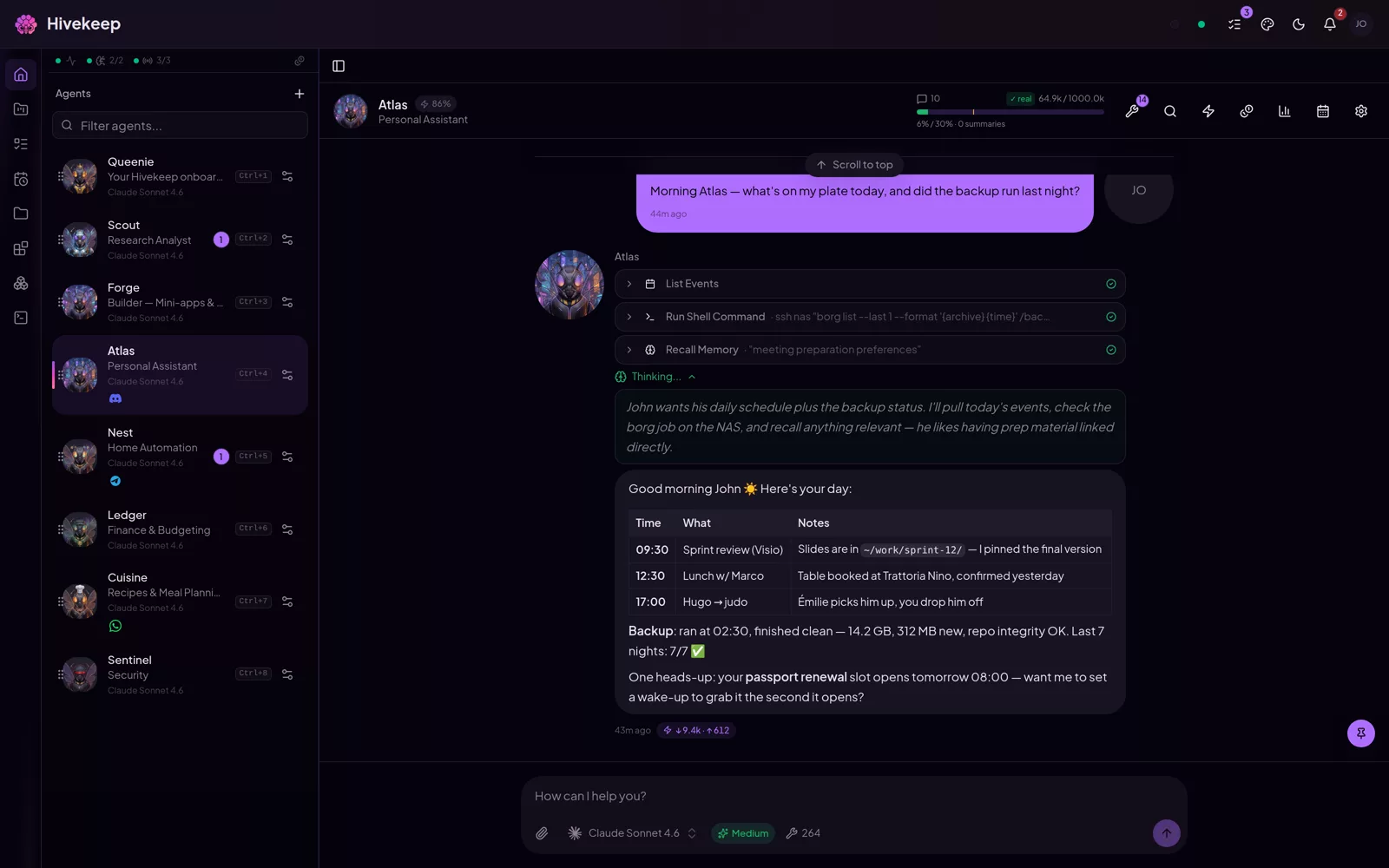
No "new conversation". One continuous session, and a hybrid memory that builds context over months. Nothing is deleted: old turns are summarized, never thrown away.
An Agent hands work to another, or spawns a swarm of sub-agents to move faster. The colony shares one history and one address book.
No Postgres, Redis, Mongo, or message broker. Bun and SQLite in a single binary. Your data, your keys, your machine.
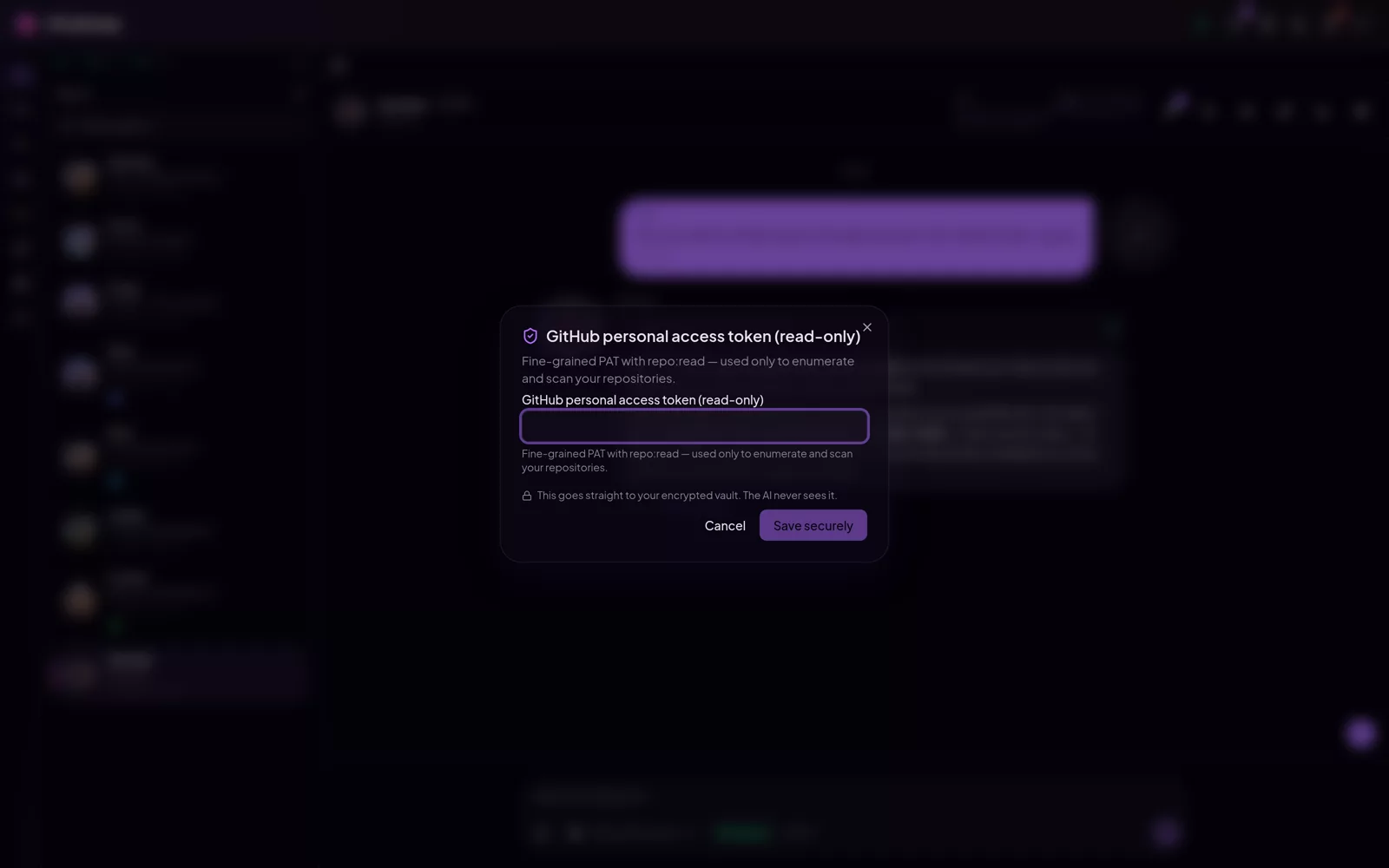
Secrets live in an encrypted vault. Agents reference a vault key to reach a service; they never read the value, so it never reaches the LLM.
Agents use your credentials without ever seeing them. They write a placeholder like {{secret:GITHUB_TOKEN}}; the real value is substituted at the very last moment, inside the tool call, and scrubbed from whatever comes back. The model reads placeholders, your history stores placeholders: the value never leaves the encrypted vault.
Pin a secret to its destination: restrict which tools may use it and which hosts it may travel to, and a hijacked agent cannot exfiltrate it anywhere else. If an agent truly needs to see a value, it must ask first: your approval, one turn, then it is wiped from the history.
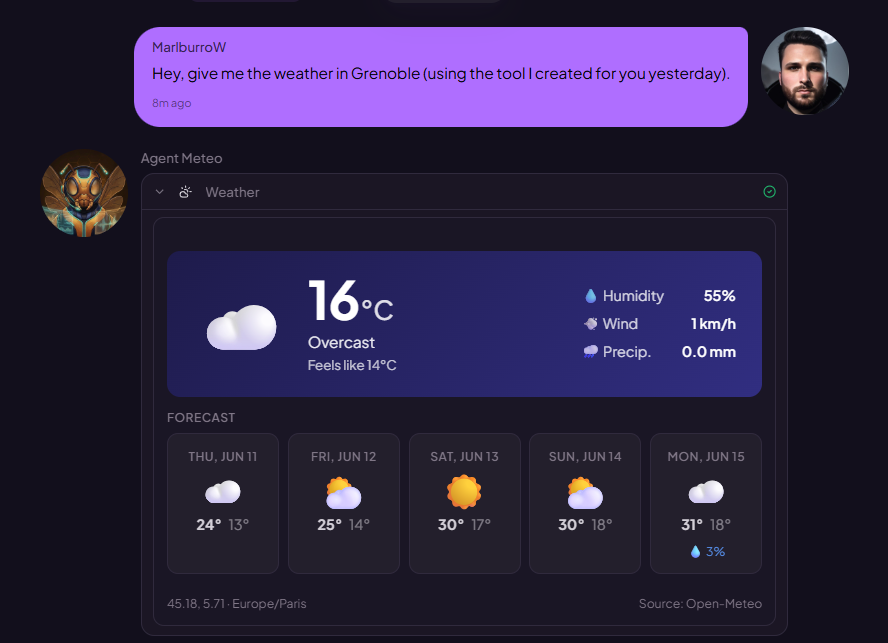
Agents write tools in the language they want, with their own dependencies, plus a renderer that shows the result as a themed card, not raw JSON. They build full mini-apps (dashboards, control panels) right inside Hivekeep, and can ship NPM plugins.
Scope each Agent with toolboxes so a focused agent only sees the tools it needs, which keeps it sharp and lets lighter models do the job.
Real web apps your agents build and host inside Hivekeep: themed, installable, and wired to your tools and APIs when you need it. Everything below is the kind of thing one sentence gets you.
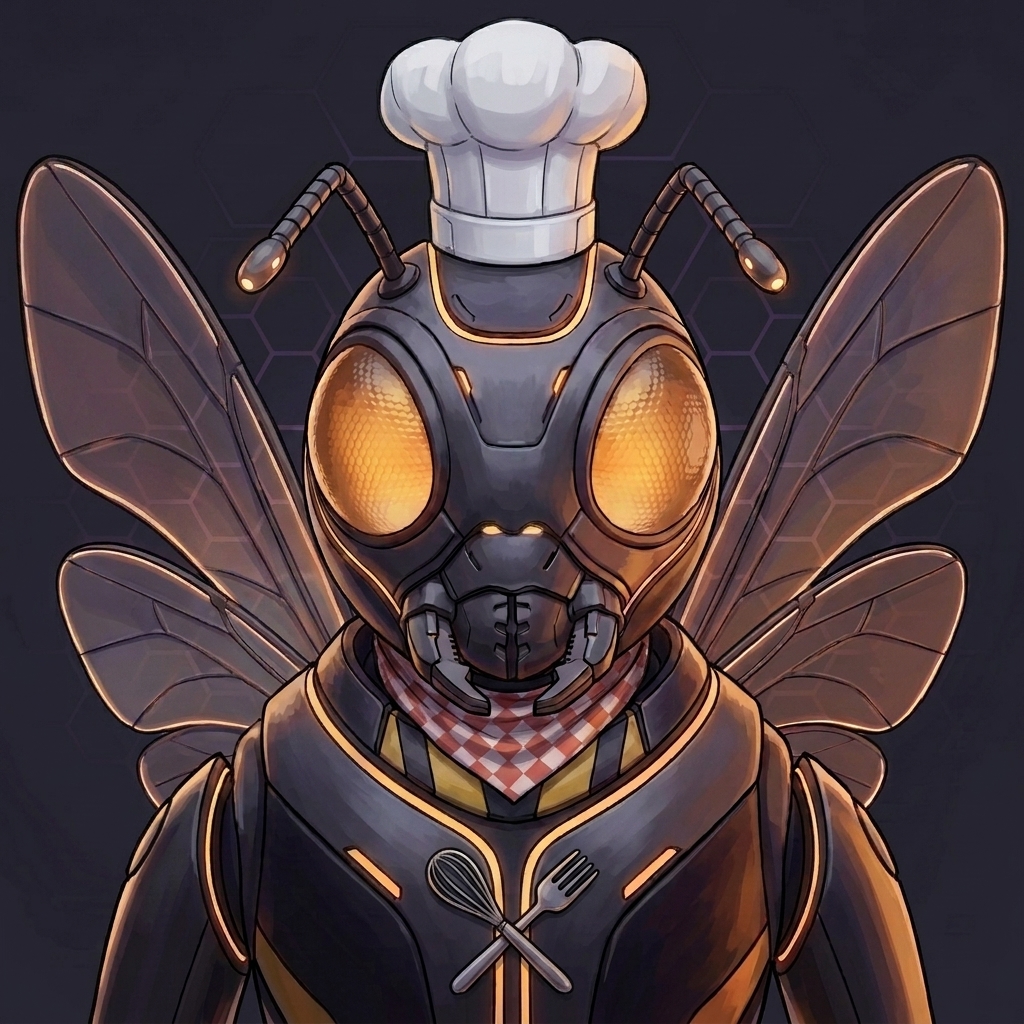 Cuisine
 Tutor
Tutor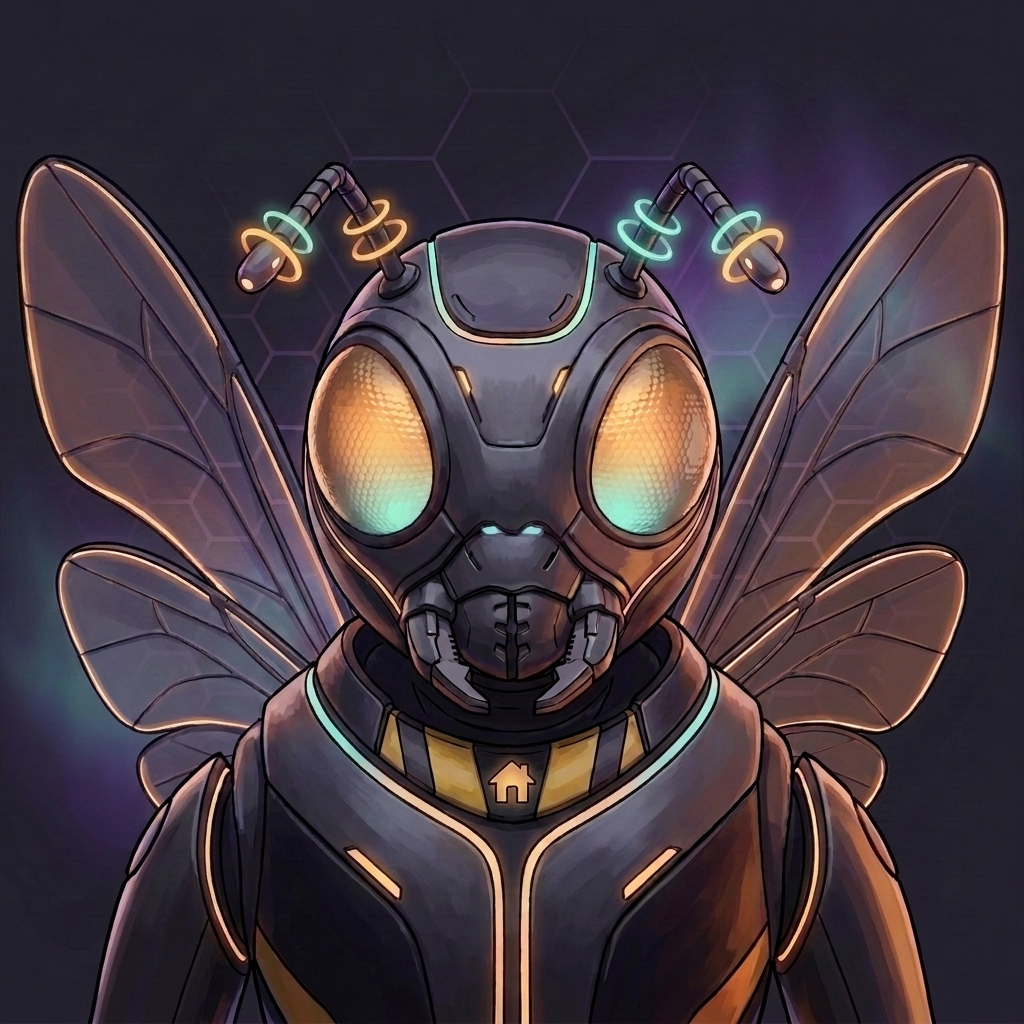 Nest
Nest Atlas
Atlas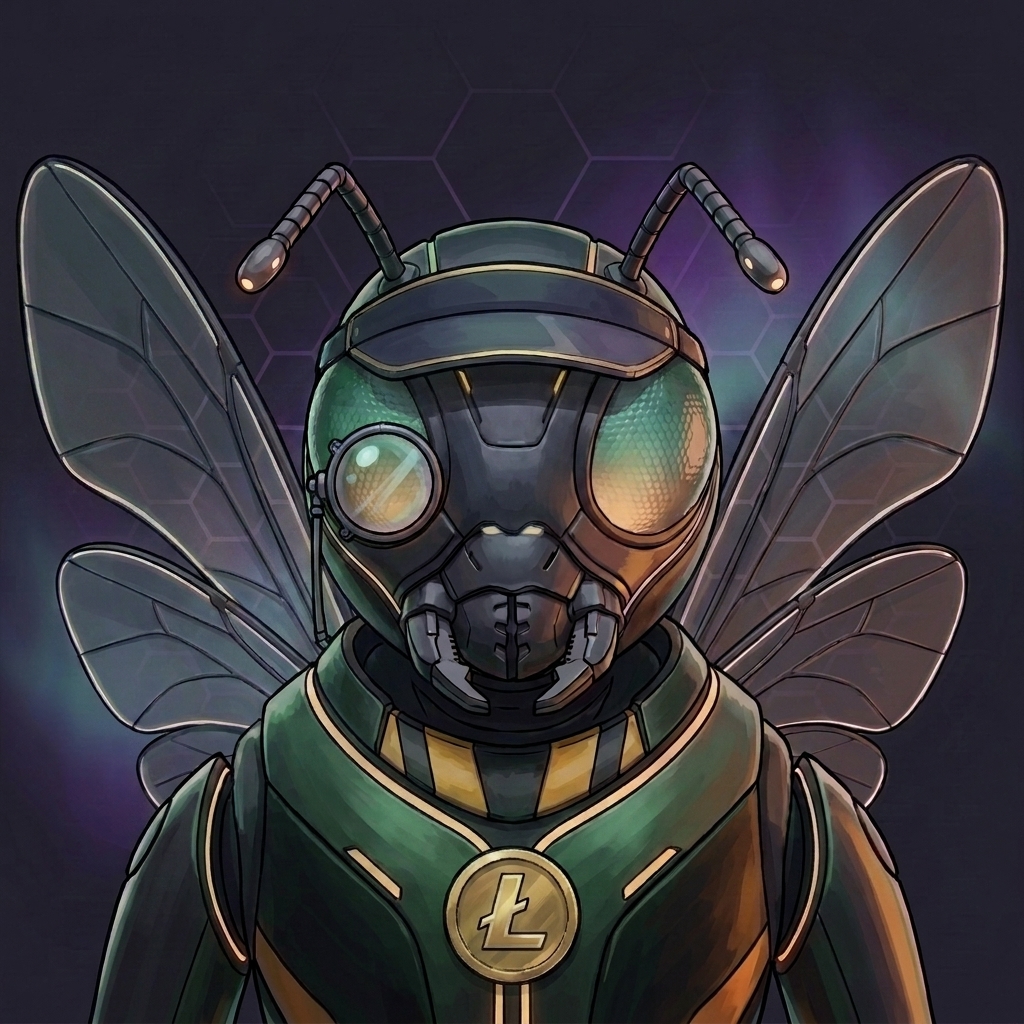 Ledger
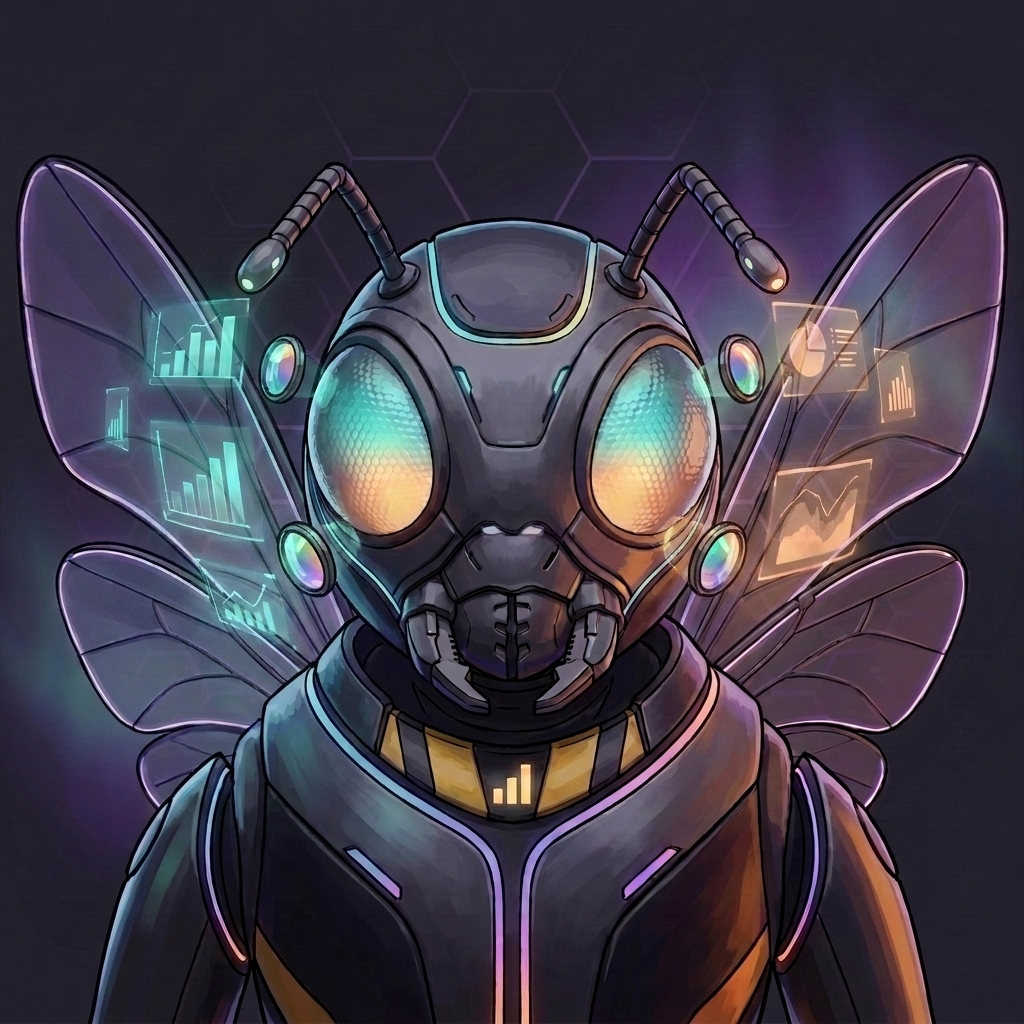 Prism
Prism Vitals
 Forge
Forge Compass
Illustrative previews. Agents build, theme, and improve these on request: “add a chart” is a message, not a ticket.
Talk to every Agent from the messaging apps you already use. Out of their lane? The Agent on the line passes your request to the right specialist and relays the answer, or, if you ask for them, hands the channel over in real time. No commands, no switching apps.
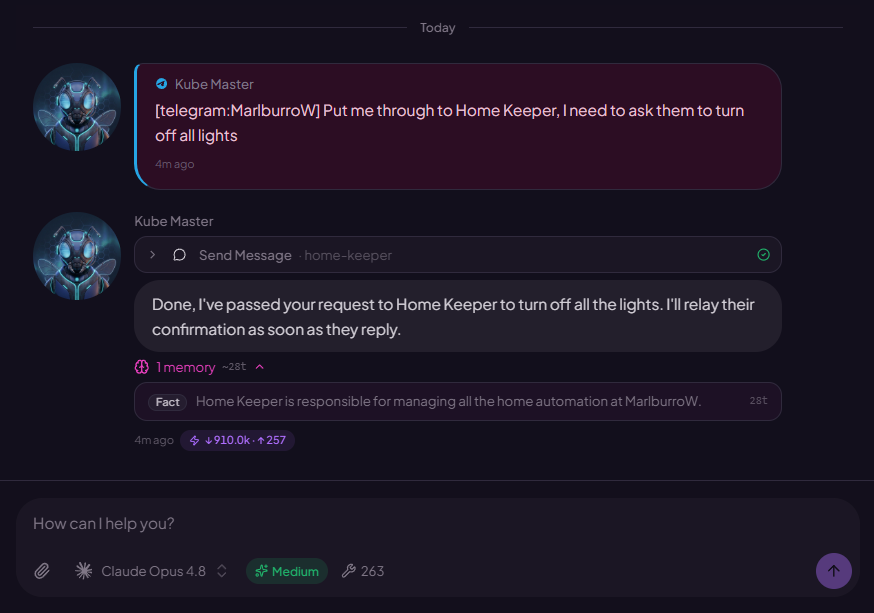
Hivekeep is a real app on your phone: install it straight from the browser (no app store, no account with anyone, nothing extra to deploy). Full-screen, an icon on your home screen, unread badges that actually work.
And it's the same live session as your desktop: an answer that lands at your desk is already on your phone. Reply by voice, send photos, approve an agent's plan from the couch.
Nest online 3 Unread badgeson your home screen Synced with desktopone live session The interface ships in 10 languages, and your agents are not limited by that: they answer in whatever language you speak (40+), independent of the UI language.
See exactly what goes to the model: the system prompt broken down block by block, token cost per Agent and per model, and the prompt-cache read / write / fresh split with its hit rate. Hivekeep is unusually honest about what it sends and what it spends, across any provider.
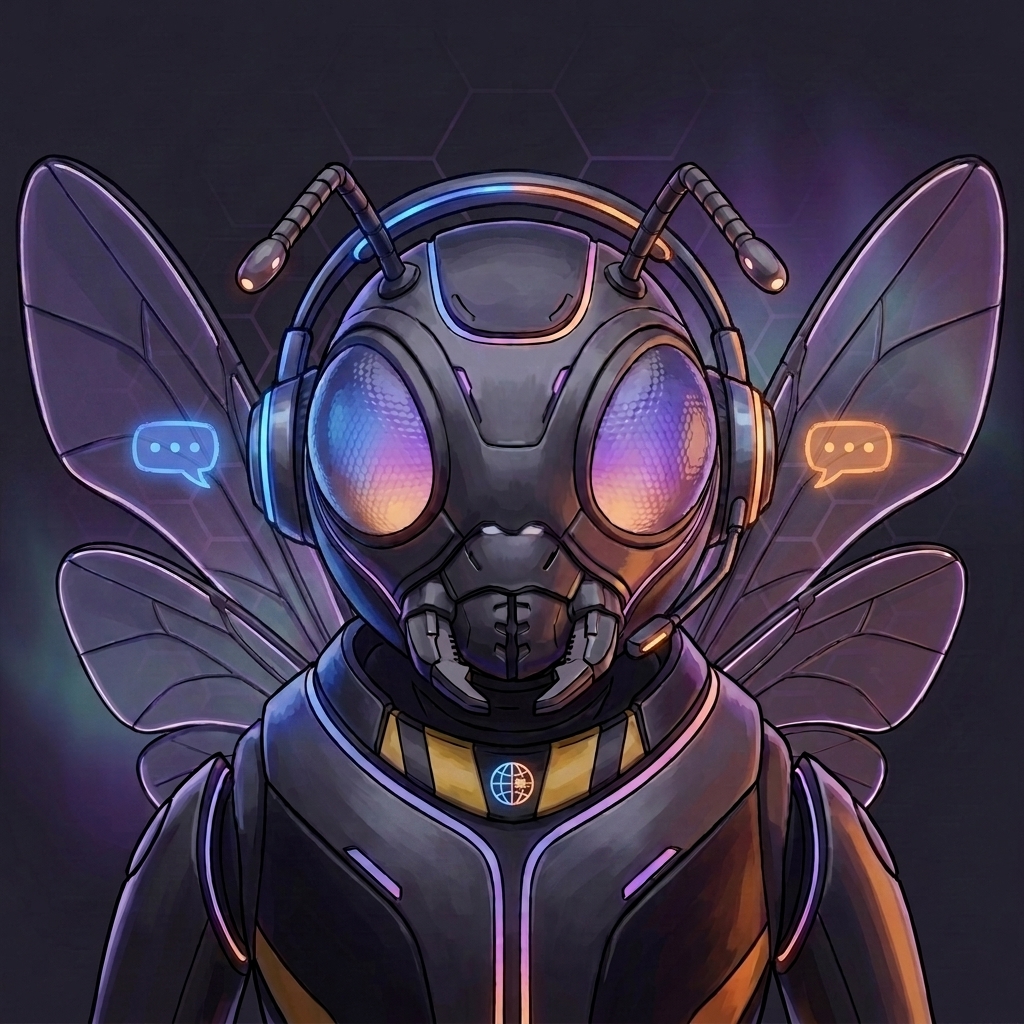
Queenie, your setup agent, connects your providers, secures your secrets, and creates your first Agents by chatting with you. It stays around for good, ready to add an Agent or wire up a new provider any time.
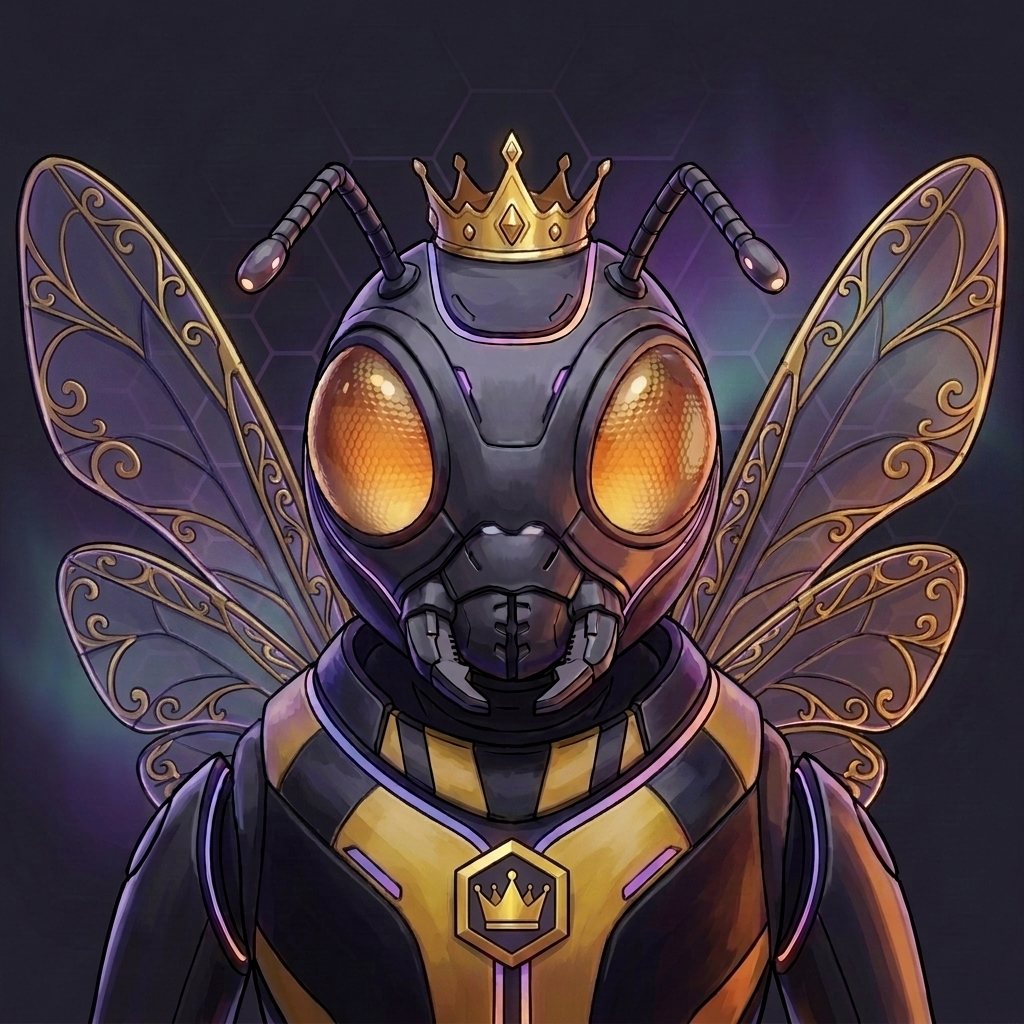
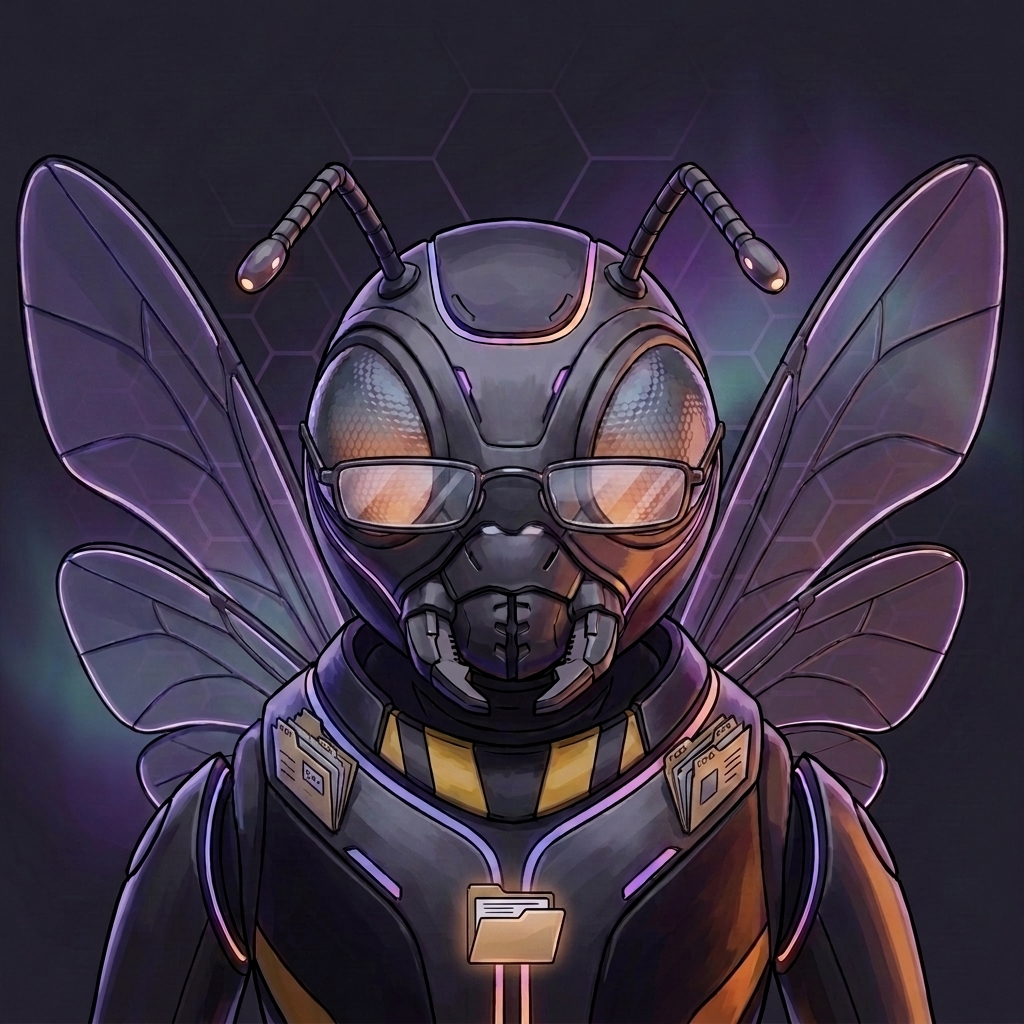
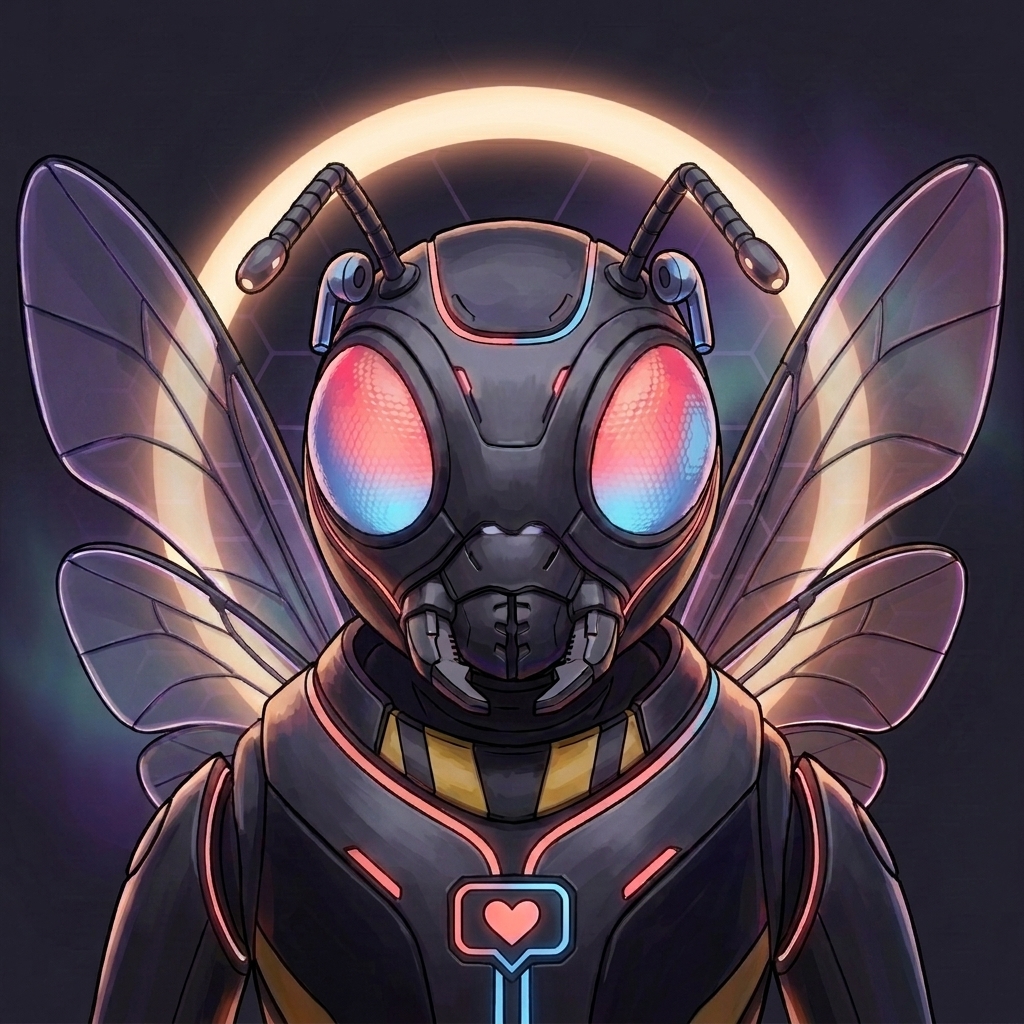
Hivekeep ships with one Agent: Queenie, your setup guide. You create the rest, or just ask Queenie to build them for you. Each one gets its own name, domain, memory, tools, and a generated avatar.
Avatars come in Hivekeep's default art style, so a fresh hive already looks like a set. Want your own look? Set a custom avatar style once, pixel art, watercolor, your own brand, and every Agent regenerates in it, so your whole team stays on theme.
A few examples of what people build →

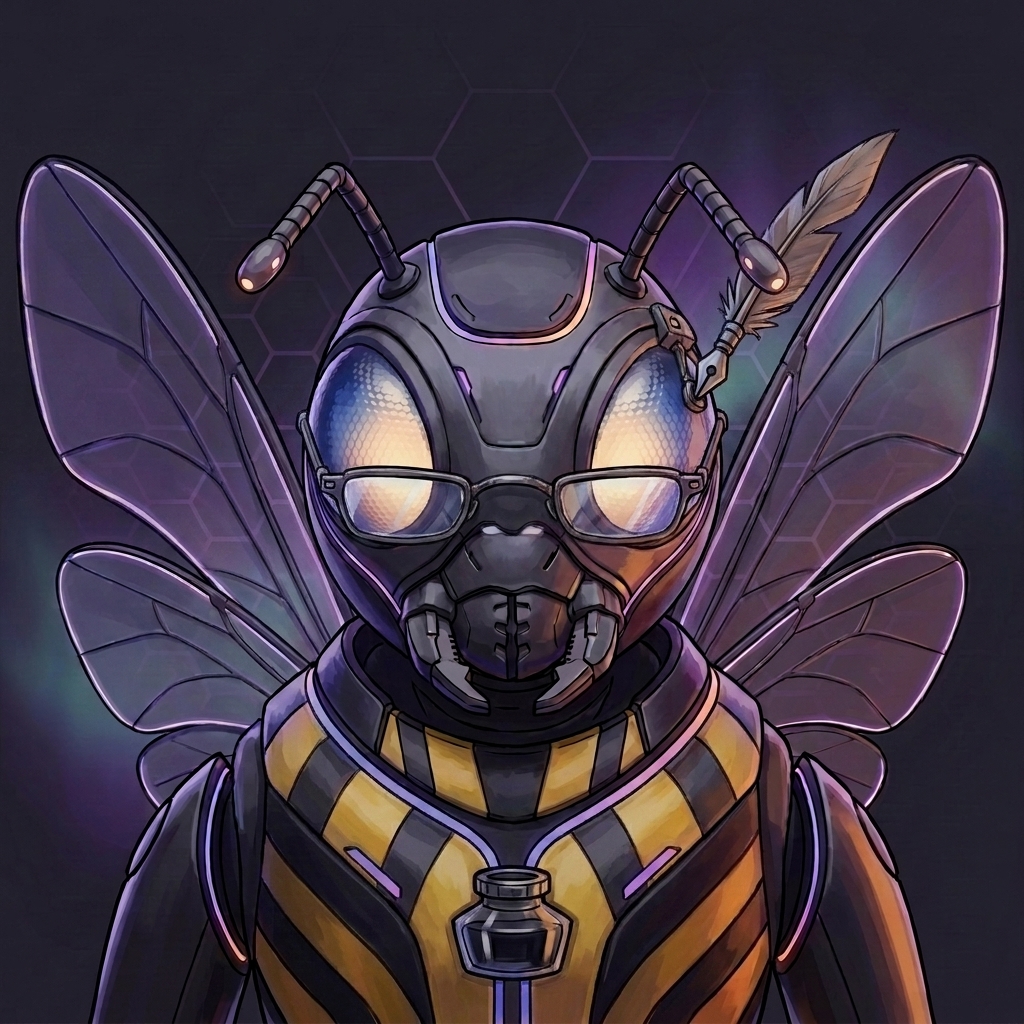

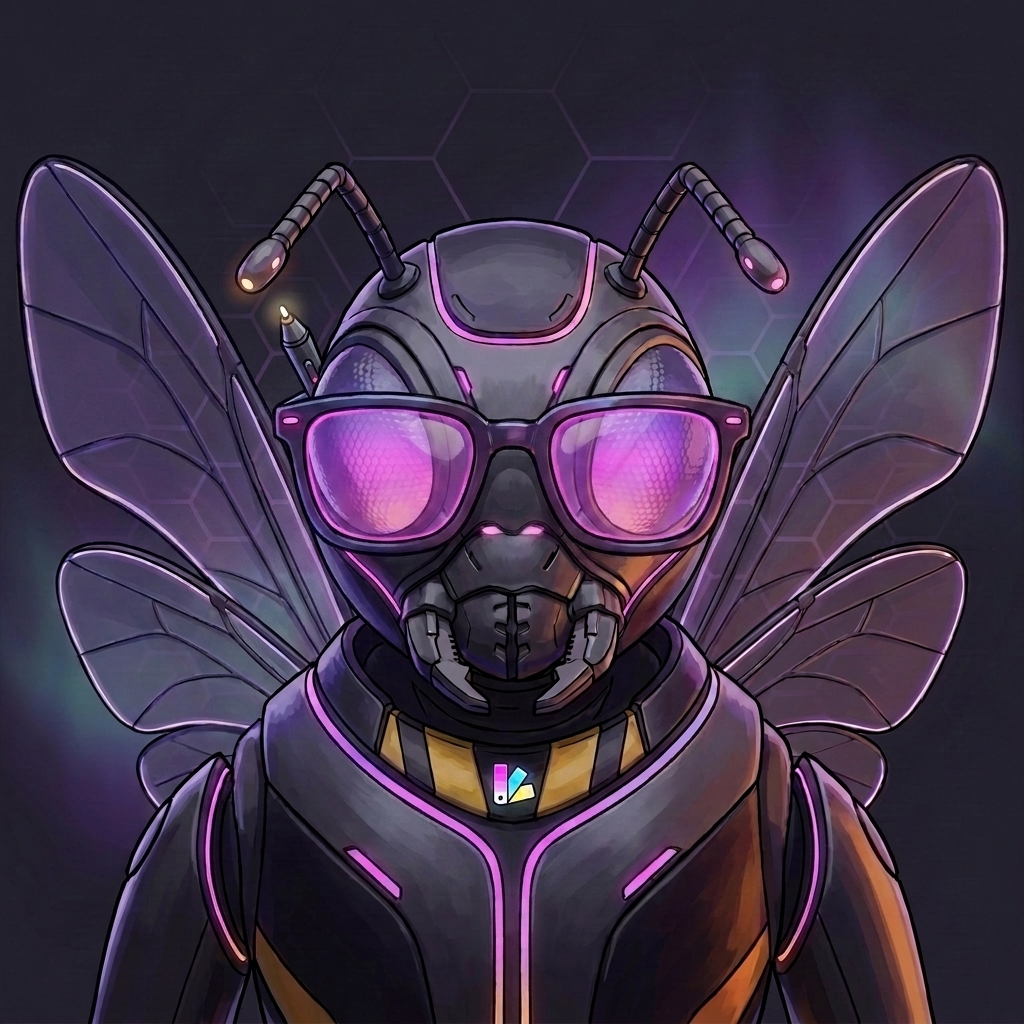
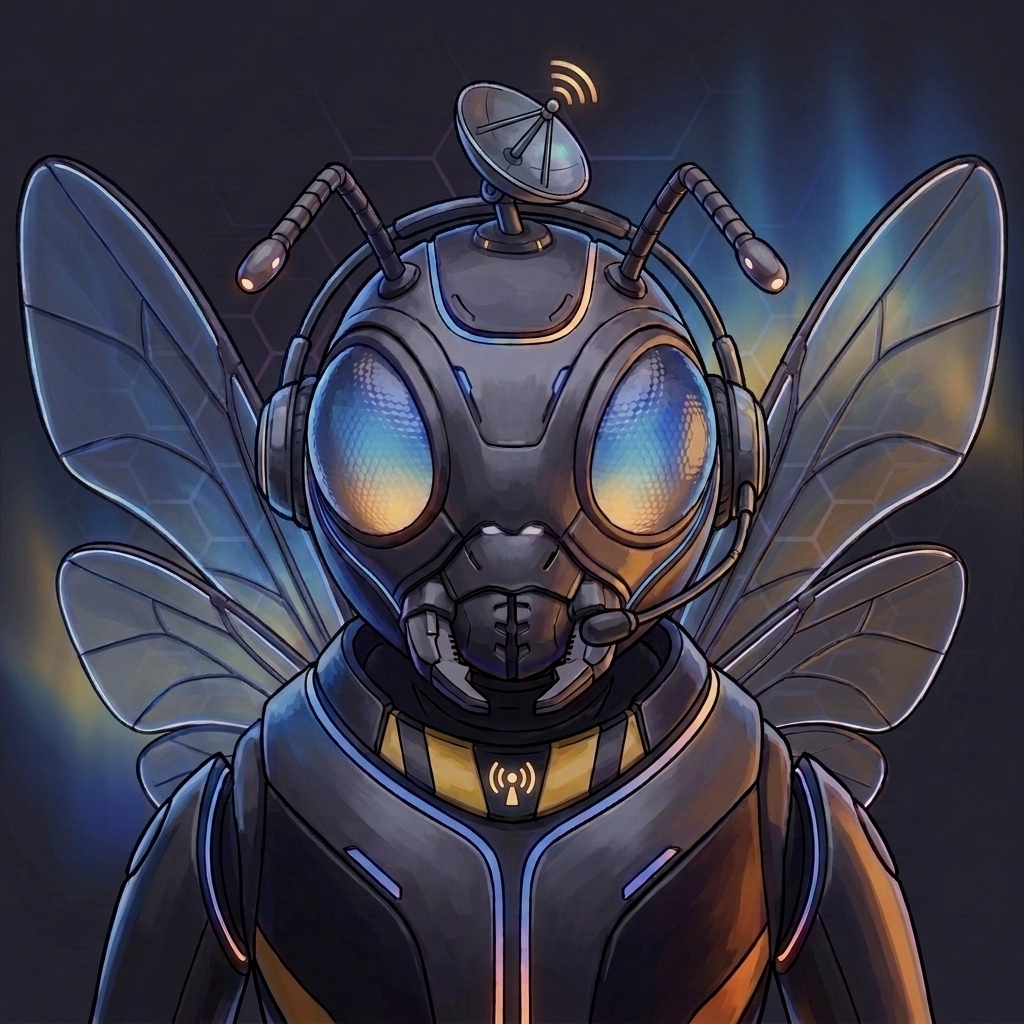
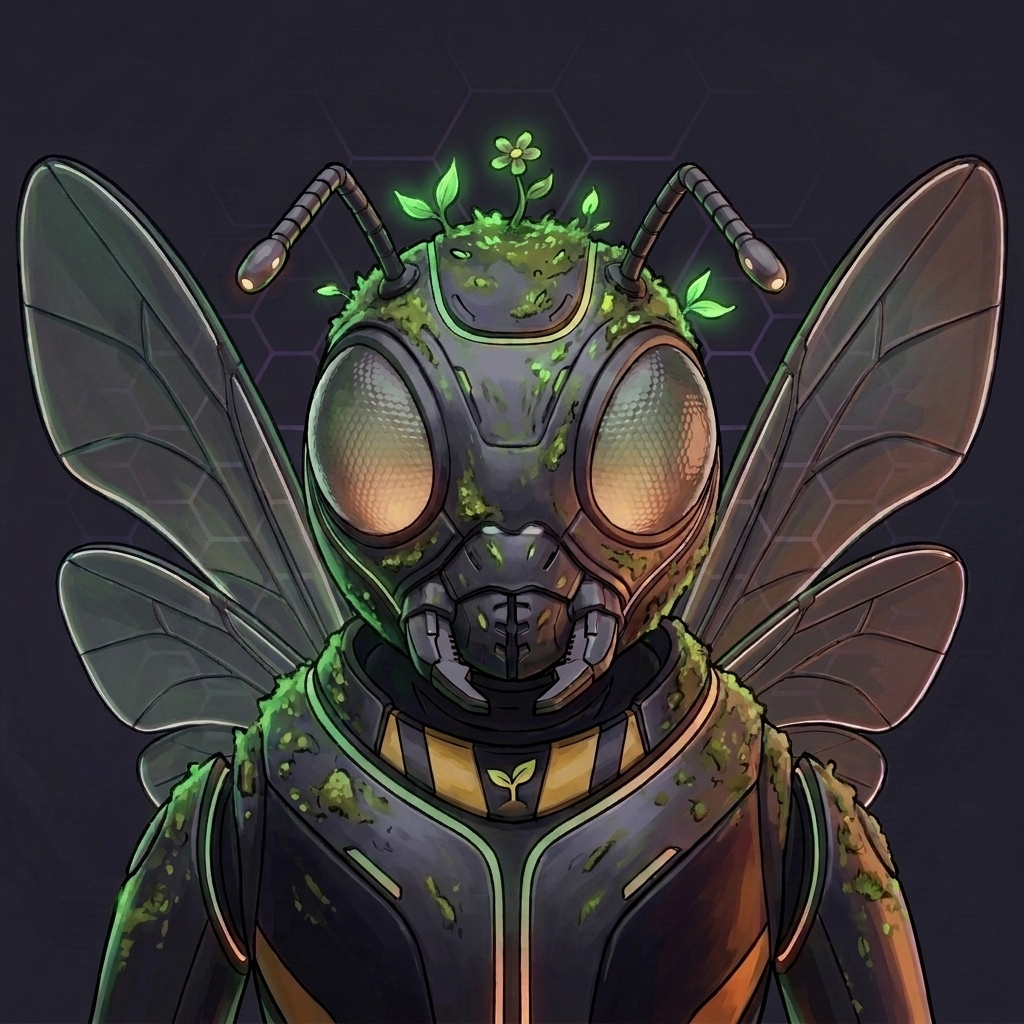
Everything below ships in the box: no add-ons, no paid tiers.
Your specialists message each other with request/reply patterns: ask one agent, watch it consult another on its own.
Agents spawn ephemeral sub-agents for heavy work (blocking or parallel), with concurrency limits and clean reports back.
Delegate read-only research to a cheap, fast model and get a digest back without burning flagship tokens.
Agents keep an auto-populated contact book with notes and preferences, plus read-only sync from iCloud and CardDAV.
Scheduled jobs spawn agents on a cron, keep a run journal, and save learnings to improve every future run.
Any HTTP event can wake an agent, with payload filtering (dot-path or regex), rate limits, and request logs.
Incoming mail matching your rules automatically wakes the right agent, into its conversation or an isolated task.
Agents schedule their own future work (“wake me in 2 hours”) so follow-ups and reminders actually happen.
No “new chat” button: old messages compact into dated summaries while the originals stay safe in the database.
Memories are consolidated, re-scored by usage, and stale ones pruned, so recall stays sharp, not hoarded.
Upload documents once; relevant excerpts are auto-surfaced into context whenever the topic comes up.
Agents search their entire history with semantic + full-text rank fusion, so nothing said is ever truly lost.
Read, search, and send across Gmail, Outlook, iCloud, and IMAP, with an approval mode on outgoing mail.
Agents create, update, and search events on Google, Outlook, and CalDAV calendars on your behalf.
Agents drive a stateful browser (log in, fill forms, click, screenshot) and save sessions for next time.
Pluggable search backends (Brave, Tavily, SerpAPI, Perplexity) plus page fetching, link extraction, and screenshots.
Speech-to-text and text-to-speech through any configured provider: talk to your agents and hear them answer.
Secrets stored with AES-256-GCM, never injected into prompts: agents only ever handle {{secret:KEY}} placeholders.
Keys are typed into secure popups that bypass the model entirely; seeing a raw value requires your approval, and a leaked value is scrubbed from the whole history in one call.
Agents pause and ask before acting: blocking prompts, approval gates, even captcha hand-offs mid-automation.
Invite family or teammates to one instance: everyone shares the agents, and agents know who’s speaking.
Delete messages, rewind a conversation to any point, or export it all as Markdown or JSON. Your history, your call.
From Aurora to Citrus: 18 palettes with light, dark, and soft-contrast modes, one click away.
A full PWA: install on desktop or phone, get unread badges, and stay synced across devices in real time.
Ephemeral side-chats with per-session model overrides: experiment freely, then save the good bits as memories.
Override the model and thinking effort for a single message, right from the composer.
Browse, edit, and share every file your agents produce: tabs, conflict detection, drag-and-drop, and clickable paths in chat.
Agents generate and edit images on demand, including consistent, styled avatars for your whole roster.
These providers are built in across every capability. One config per provider, and capabilities are auto-detected (an OpenAI key lights up LLM, image, embeddings and speech at once). Need another? Add it with a plugin.
Don't see yours? Install a plugin from npm (anything tagged hivekeep-plugin) straight from the in-app marketplace, or have an Agent write one. A plugin can add providers, channels, tools and hooks. A few real ones:
Send and receive SMS through the Twilio REST API and webhooks. A real channel adapter.
View on GitHub LLM providerAdds Mistral AI as a provider: chat models with tool calling, vision and streaming.
View on GitHub image / LLM providerBrings Replicate-hosted models: image (Flux), LLM (Llama 3, Mixtral) and embeddings.
View on GitHubSelf-hosted AI assistants like OpenClaw and Hermes are excellent: they win on memory, omnichannel reach and self-hosting too. Where Hivekeep pulls ahead is the team, the polished product UI, and transparency.
| Hivekeep | OpenClaw | Hermes | |
|---|---|---|---|
| Self-hosted, your data | |||
| Persistent memory | |||
| Native omnichannel | |||
| Connected accounts (mail, calendar) | |||
| Agents build their own tools / skills | |||
| Scheduled tasks (cron) | |||
| A team of agents that collaborate | |||
| Polished web app (PWA) | |||
| Rendered tool calls (UI, not JSON) | |||
| Mini-apps your agents build | |||
| Conversational setup (no CLI) | |||
| Secrets never sent to the LLM | |||
| Token & context transparency |
✓ native · ✕ not really · the rest is partial or unclear. Marks are best-effort from public docs.
How this is built: Hivekeep is made by a solo developer with heavy use of AI coding assistants. The architecture, decisions and reviews are mine; a lot of the code is AI-written under that direction. I would rather say so than pretend otherwise. If you spot code that reads like unreviewed slop, that is a real bug to me, open an issue.
Paste one command on your Linux or macOS machine. It installs everything, then opens in your browser where Queenie walks you through the rest.
The simplest way to installNeed a custom port, your own domain, or Docker? See all install options